OneSend for Mac
All your email accounts in one private inbox on your Mac. Your mail is stored on your Mac, not on our servers.
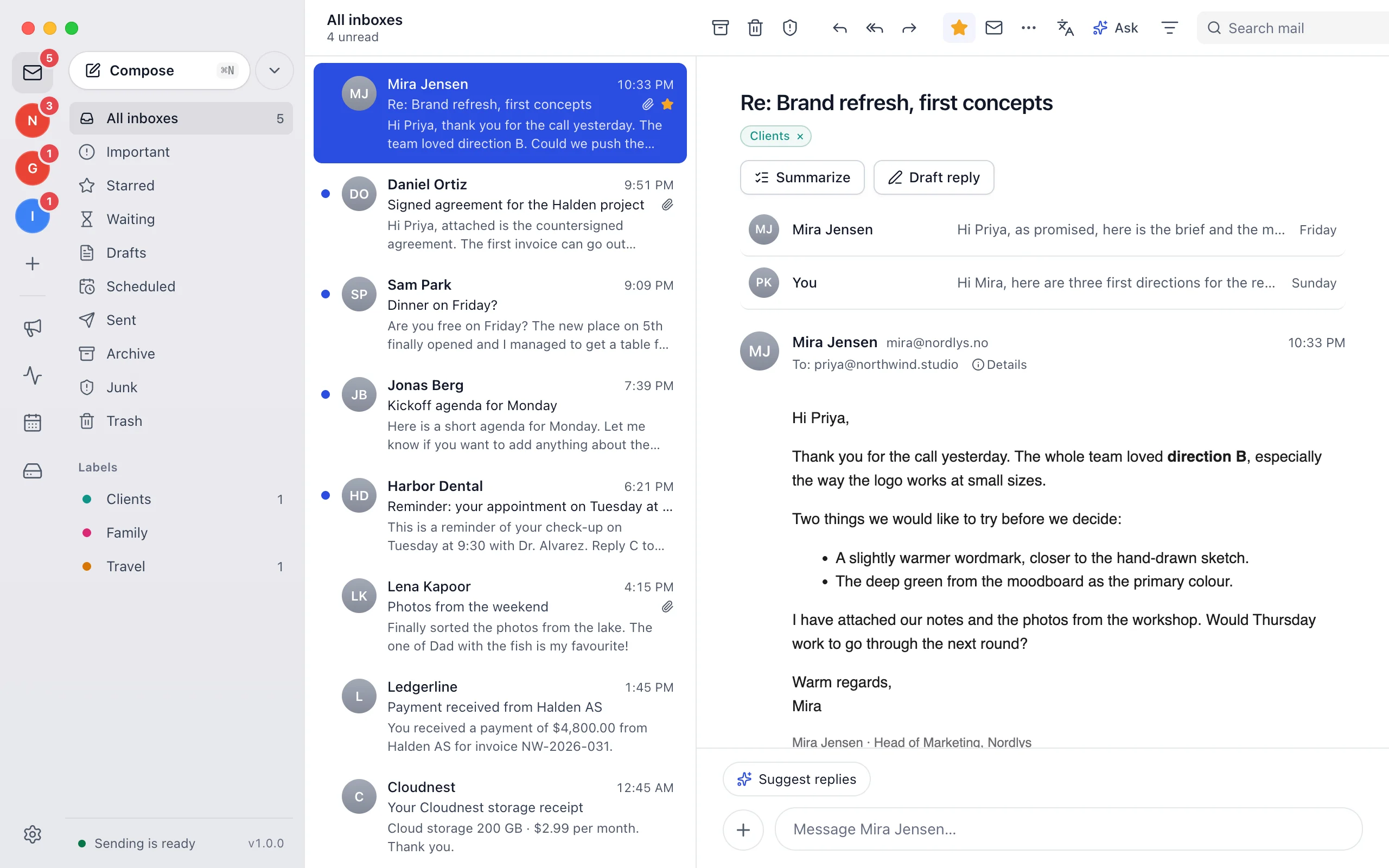
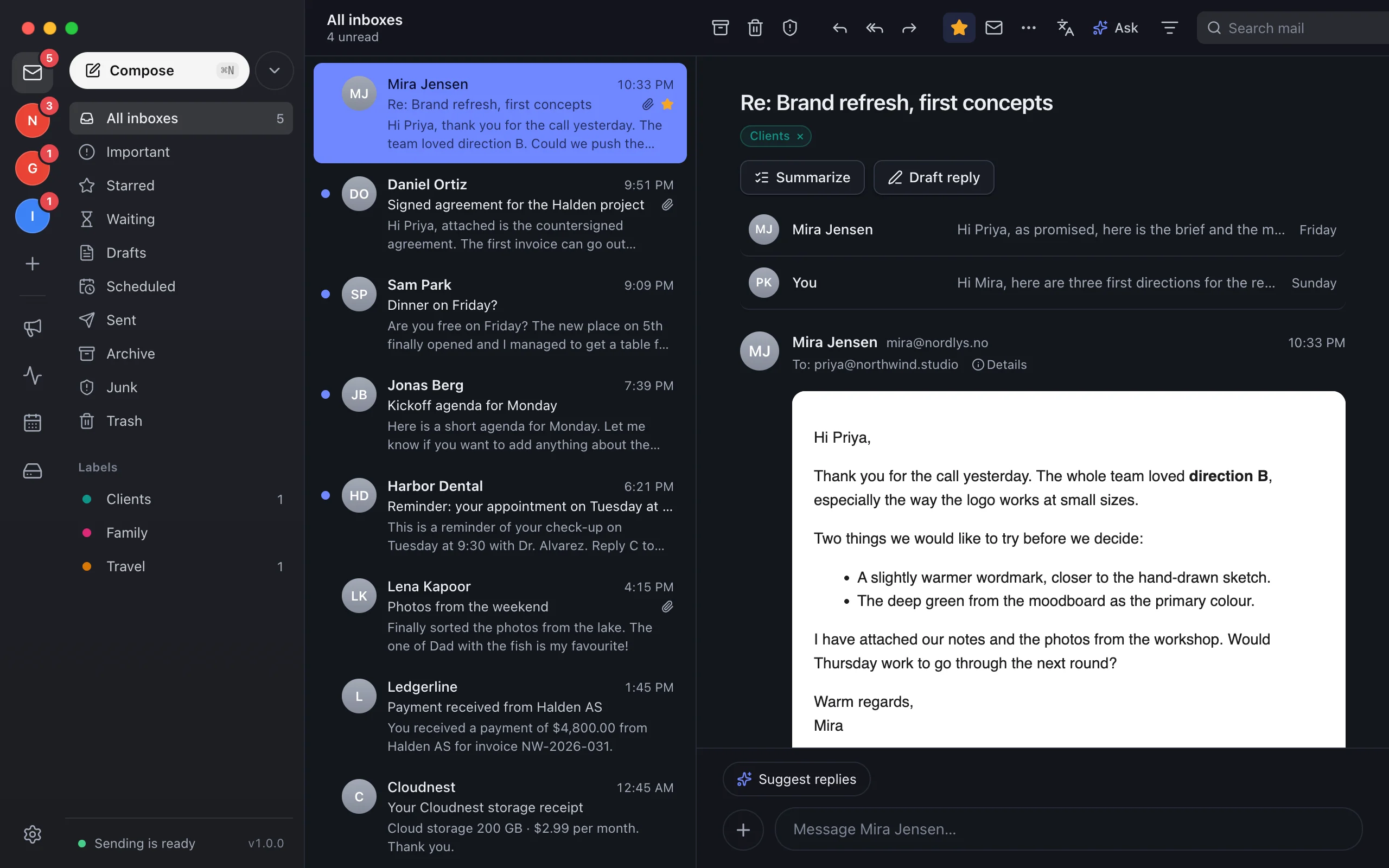
A mail app that keeps your mail on your Mac
Every account in one window, stored and encrypted on the Mac, with a spam filter, a calendar, Drive and sending through your own providers.
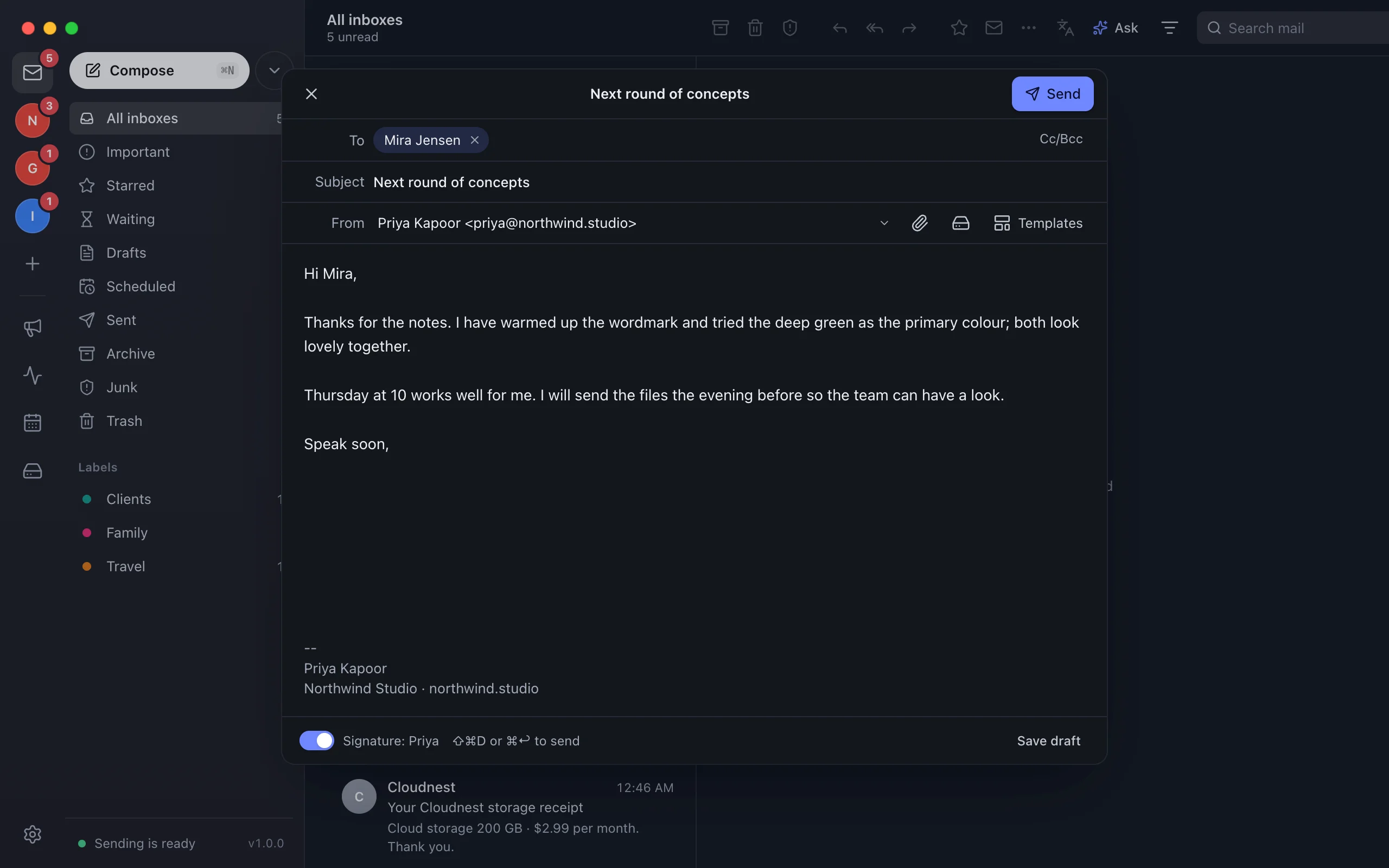
Every account, one inbox.
Gmail, Outlook, iCloud, Yahoo, Zoho Mail, Proton Mail, Fastmail and any IMAP account, side by side or one at a time.
New mail in the notch.
Reply, archive or mark as read from the top of your screen, without opening the app.
Read it your way.
A classic reader or a chat view, with suggested replies and one-click translation.
Apple Intelligence built in.
Summaries, reply drafts and translation run on your Mac. Or use your own AI provider.
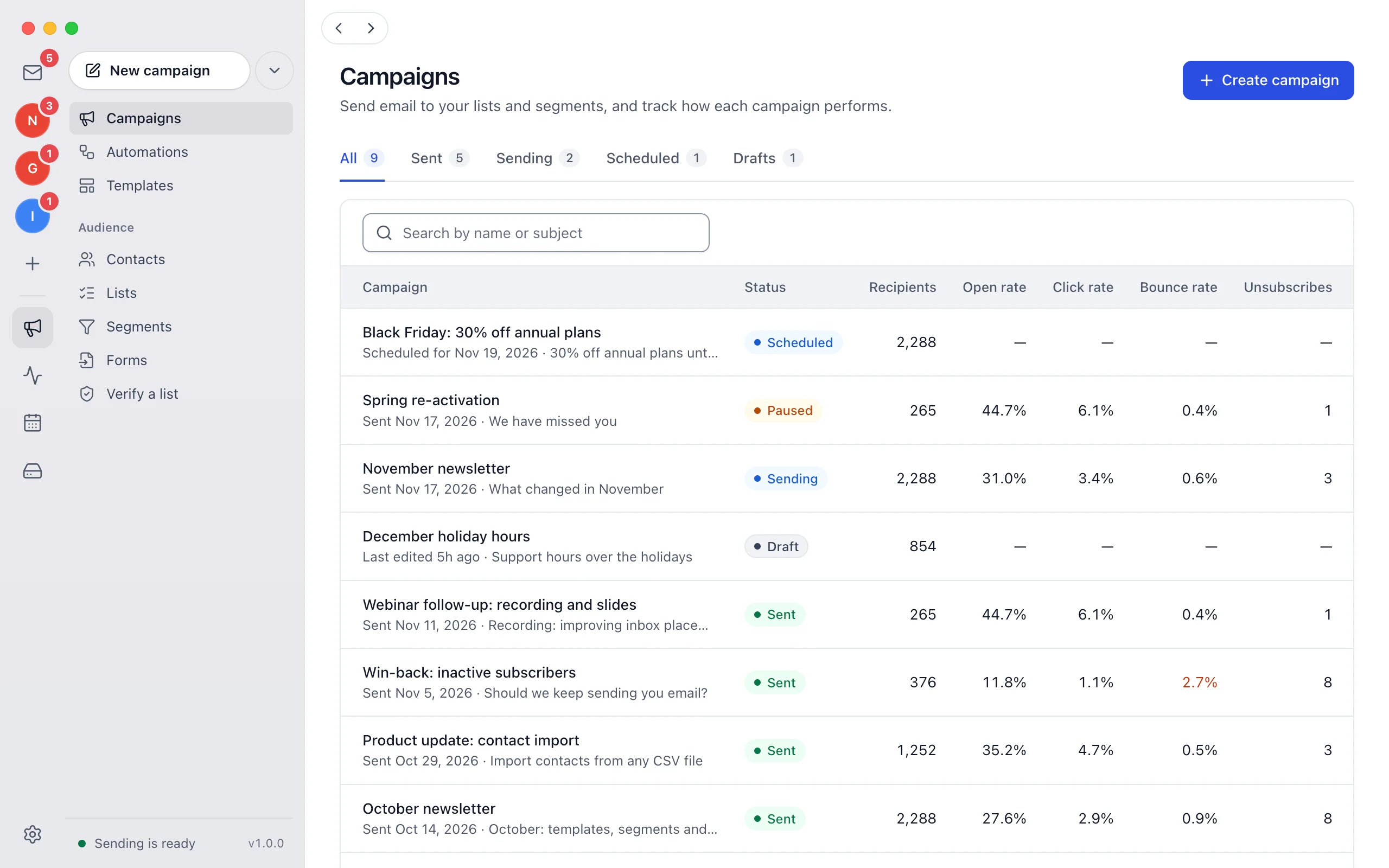
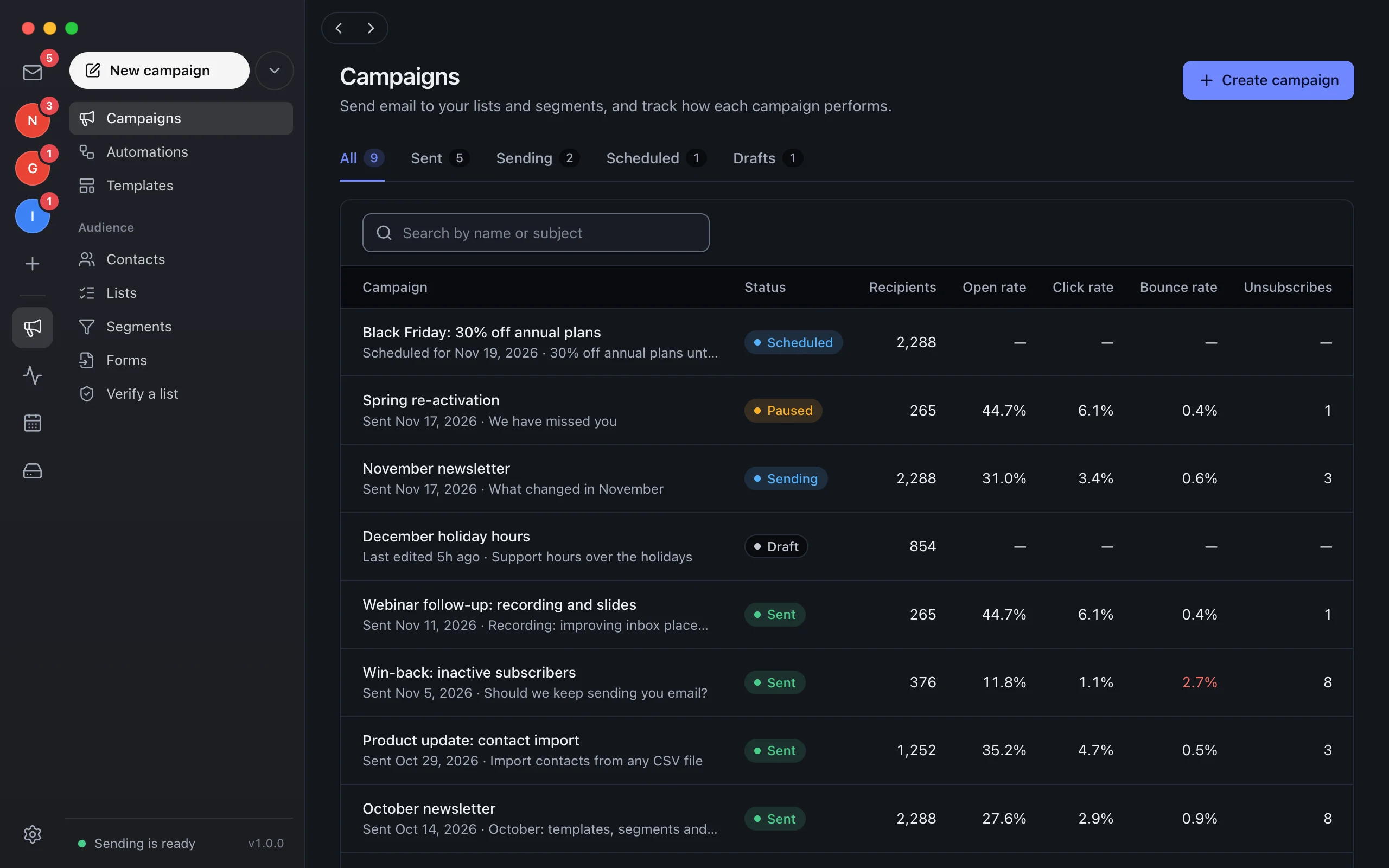
Campaigns in the same app.
Templates, contacts, list checks and campaigns, next to your inbox.
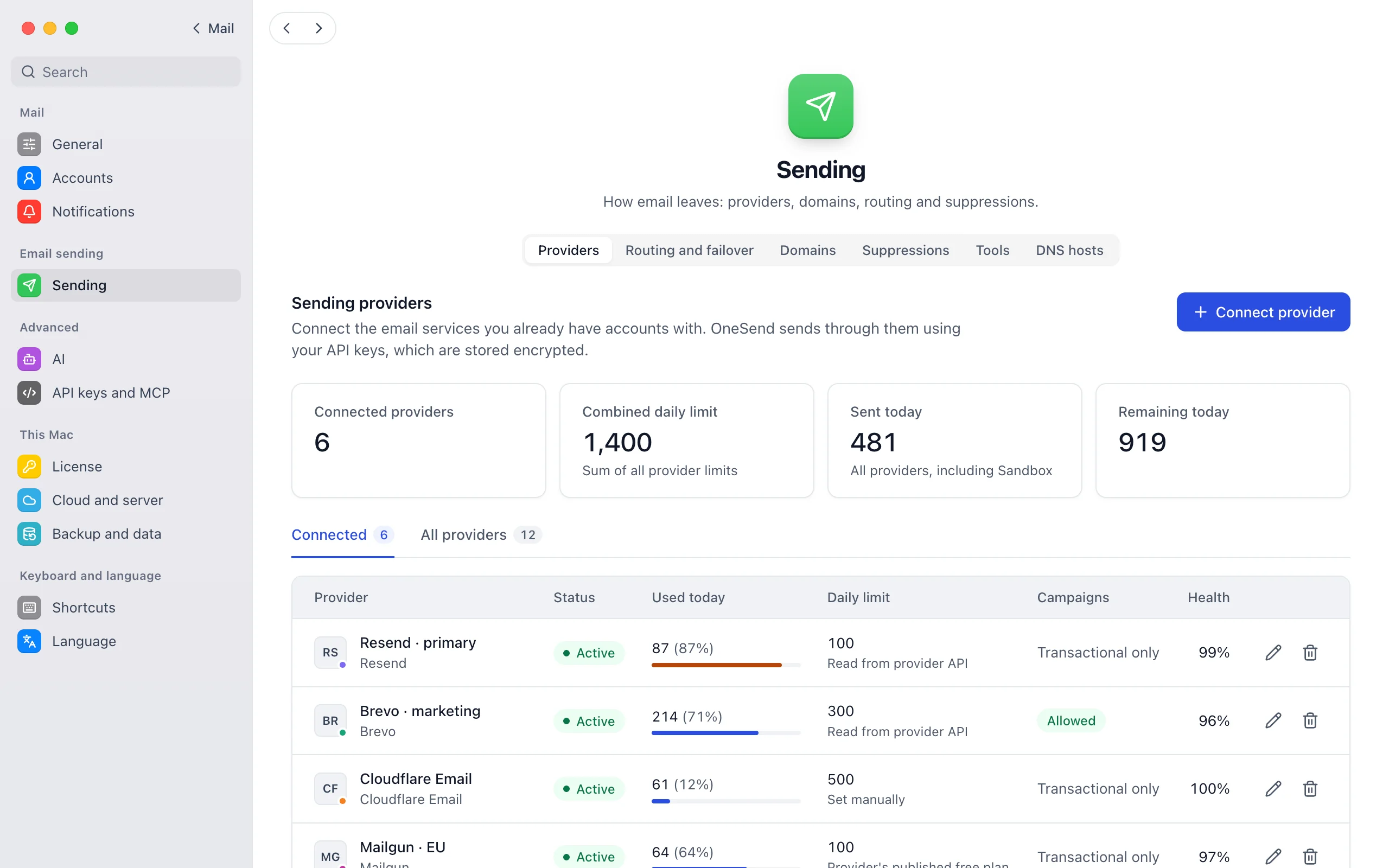
Sending that keeps going.
Resend, Amazon SES, Brevo or SMTP for your domains. If one fails, the next one sends.
Private by design.
Mail syncs directly between your mail provider and your Mac, and is stored on the Mac, encrypted.
Calendar and Drive.
Events, invitations and files next to your mail.
A spam filter on your Mac.
It learns from what you mark, without sending mail anywhere for checking.
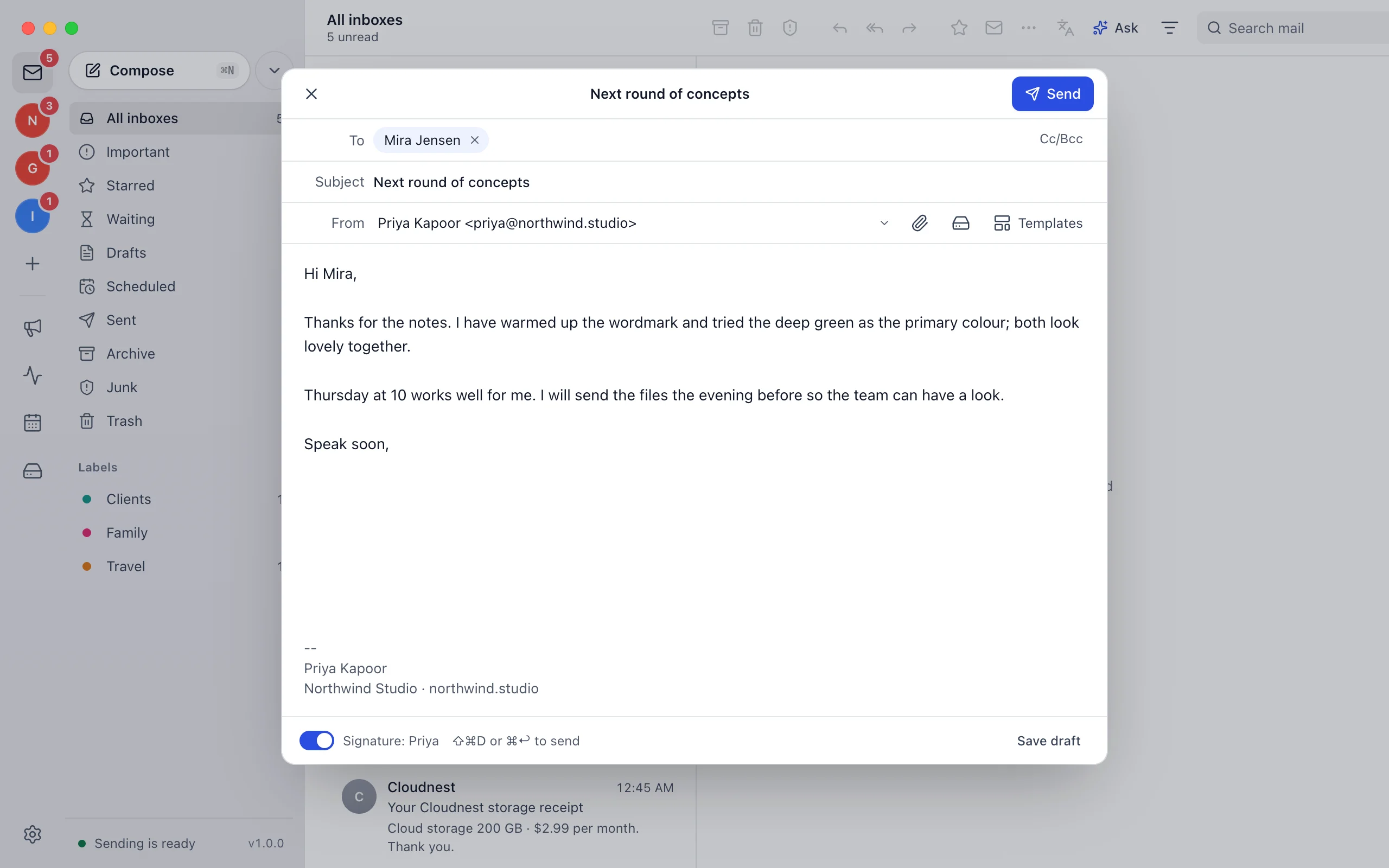
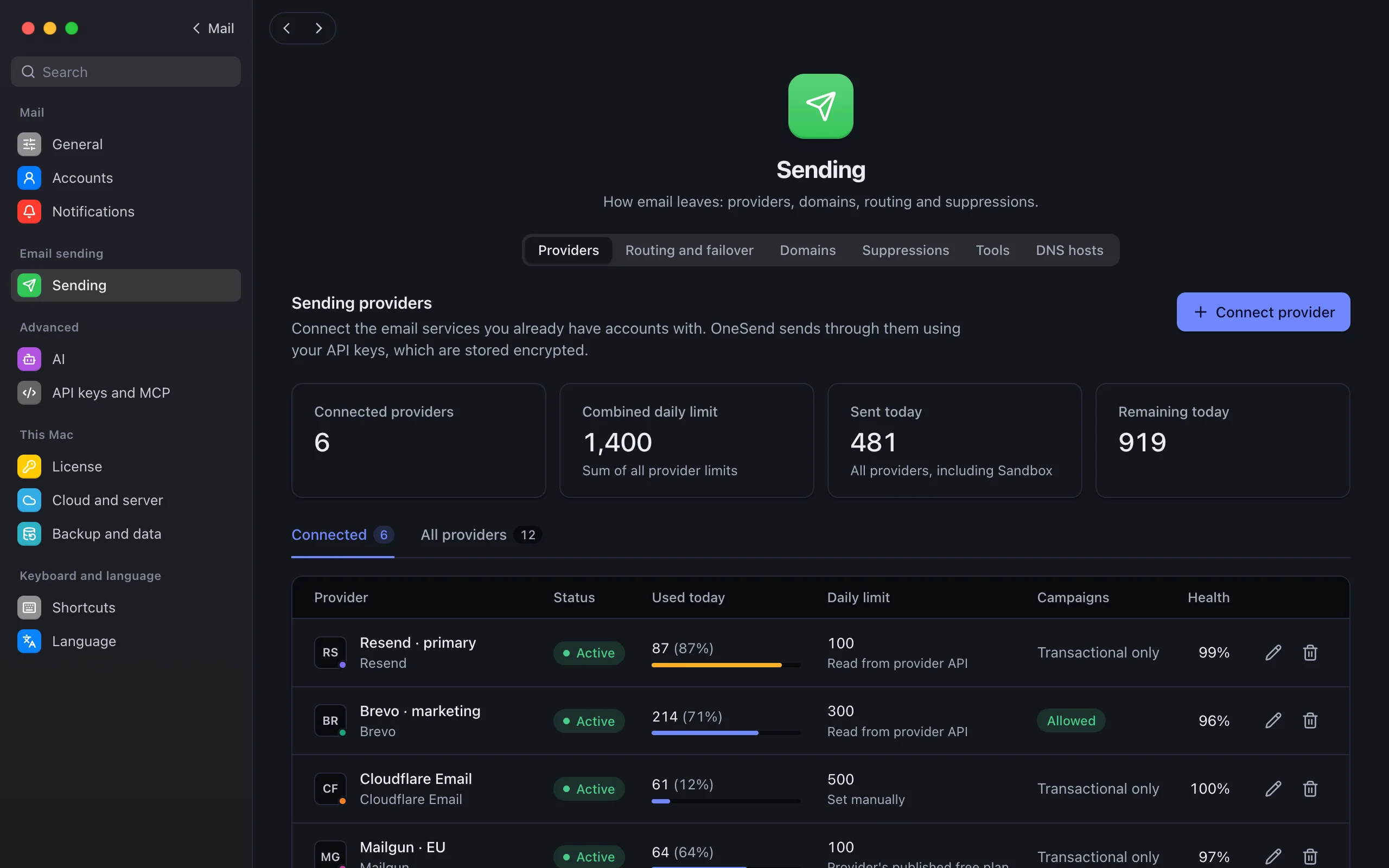
Sending
Sending and campaigns, built in
Providers with failover, domains, templates, campaigns and one log: the same platform as the self-hosted edition, with no server to run.
Pricing
Pay once, keep it
One payment, no subscription. The earlier you buy, the less you pay.
Founding price · First 15 buyers$9.99once
- Every feature, every account
- Use it on 3 Macs
- 1 year of updates included
- The app keeps working after that
- Full refund within 14 days
On sale from the release day, at the price shown then. Join the waitlist and we email you that day. Payments are handled by Dodo Payments, the merchant of record. Prices in USD, plus tax where it applies.
The price goes up as more people buy
- FoundingFirst 15 buyers$9.99Now
- EarlyNext 50 buyers$14.99Now
- StandardAfter that$24.99Now
Coming soon
Coming soon: try it free for 14 days
Join the waitlist and we email you the day it can be downloaded. The trial starts in the app: every feature, no account and no card.
Write to hello@onesend.email and we will email you the day OneSend for Mac can be downloaded.
- Requires
- macOS 12 Monterey or later, Apple silicon and Intel
Set up in three steps
Get it on release day
Join the waitlist and we email you when the download is out. Then drag OneSend for Mac to Applications.
Start the 14-day trial
Open the app and choose Start 14-day trial, with no account and no card. Buy a license key in the app or here when you are ready.
Add your accounts
Sign in to Gmail or Outlook, or add any other account with an app password. Add a sending provider when you want to send from your domain.
Questions
Need help?
Write to support@onesend.email about installing, licenses, backups or connecting accounts. Policies: terms, privacy, refunds.
Is this a subscription?
No. You pay $9.99 once and use the app on up to 3 Macs. It includes 1 year of updates. After that, the app keeps working with the versions you have. Another year of updates is optional; its price will be announced before your first year ends.
Where is my mail kept?
On your Mac, encrypted. The app syncs mail directly with your mail providers. The license check sends only the license key, a hashed id and the name of this Mac, and the app version: never mail, contacts or passwords.
Which email accounts can I add?
Gmail and Google Workspace, Outlook and Microsoft 365, iCloud, Yahoo, Zoho Mail, Fastmail, AOL, GMX and any account with IMAP. Proton Mail works through Proton Mail Bridge, which Proton provides for paid plans. Mailboxes on your own domain work from whichever host keeps them.
What happens when the trial ends?
The inbox locks until you enter a license key. Nothing is deleted: your accounts pause and continue where they stopped when you activate. Sending through your providers, templates and logs keep working without a license.
Is the Mac app included with the self-hosted license?
No. The Mac app is sold separately, for $9.99 once. It works on its own, without a server. If you have a self-hosted server, the app can connect to it.
Can I publish a booking page or a public file link from the Mac?
Not for other people. Booking pages and public Drive links have to be reachable by visitors at any time, and a Mac is not a server: from the Mac app they work only on that Mac. They are part of the self-hosted edition, which runs on your Cloudflare account or server. The calendar, invitations and Drive work on the Mac without it.
What if I get a new Mac?
Deactivate the old Mac in Settings → License to free its seat, then activate the new one. A password-protected backup moves your mail, accounts and settings across. The license covers 3 Macs at a time.
How do I read mail for my own domain?
It keeps arriving where it does today, for example Google Workspace, Zoho, Cloudflare Email Routing, GoDaddy or Hostinger. Add that mailbox to the app like any other account. There is nothing to change in your DNS for receiving.
macOS asks me to confirm the first time I open it. Why?
Until our releases are notarized by Apple, macOS asks once. On macOS 15 and later, open System Settings → Privacy & Security and choose Open Anyway. On earlier versions, Control-click the app and choose Open.
Can I get a refund?
Full refund within 14 days of purchase: email us. Write to support@onesend.email with your license key or receipt. You can also try the app free for 14 days before you buy.
OneSend for Mac is coming soon
$9.99 once for 3 Macs, with 1 year of updates and a 14-day free trial. Join the waitlist and we email you on release day.